
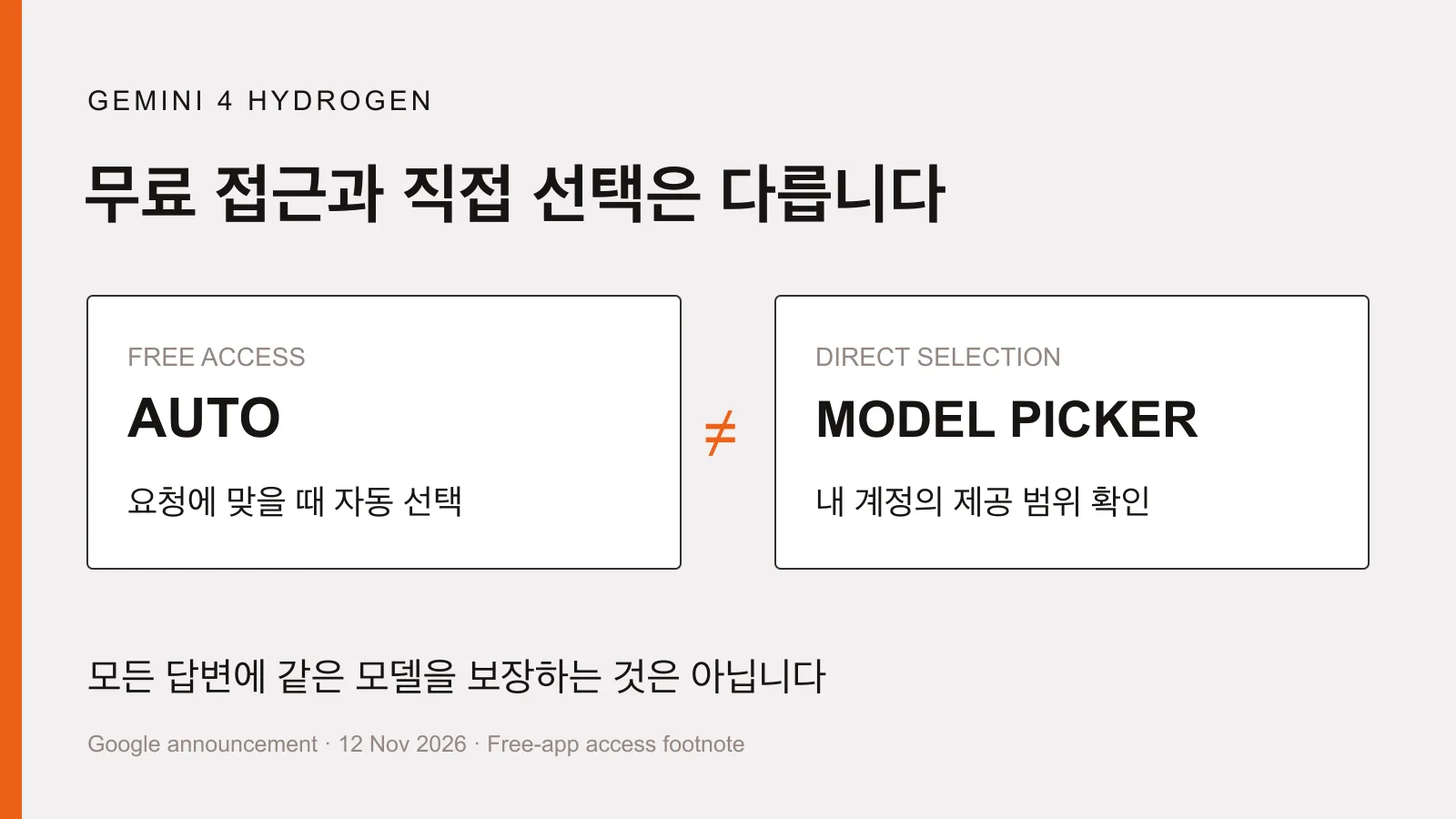
Gemini 4 Hydrogen access is not the same as model selection
When a new AI model becomes available for free, it is tempting to open the app and look for its name. But gaining access is not the same as being able to choose that model for every answer. That distinction matters when reading about Gemini 4 Hydrogen.
Start with the work rather than the new name
Google announced Gemini 4 Hydrogen on November 12, 2026, and updated the announcement on November 13. For the app, the company highlights better adherence to tone, format, and multiple requirements in tasks such as email drafts, document rewrites, and comparisons. These are company descriptions, not a guarantee of a finished result or findings from our own product tests.
The announcement describes a global rollout across the Gemini app, Google Search, and other products. That does not establish that every personal or workplace account in Korea will show identical menus on the same day. Check what your own account actually displays and supports.
Free app access depends on automatic selection
The footnote in the official announcement is important. Free Gemini app users gain access to Hydrogen through automatic model selection when it is appropriate for the prompt. That is not a promise that every free-account answer will use Hydrogen or that users can lock every request to it.
Keep app access separate from access in other products
If choosing the model yourself matters, first check the model list and the access included with your current subscription. An announcement about automatic access does not establish identical direct-selection rights across plans.
Google Sheets is a separate case within the same announcement. Hydrogen in Sheets starts with Google AI Pro and Ultra subscribers and eligible business subscriptions. Access in the free Gemini app does not establish access to the same functionality inside a spreadsheet.
Use a familiar document to assess instruction following
For a nontechnical user, a small part of an everyday document is a more practical starting point than a complex automated workflow. For example, provide two public product descriptions and request a comparison of price conditions, included items, and information that remains unconfirmed, using only the supplied material. This is a suggested way to assess Google's instruction-following claims against your own needs, not a report of a test we performed.
Define the source material and the desired result
The model card describes text, image, audio, and video inputs. Do not treat model-level capabilities as a statement of your app's upload or usage limits. Start with one source your account supports, then specify what the answer must include and leave out.
- Use a public document or material with sensitive information removed.
- Specify the comparison fields, response length, and whether you want a table.
- Request an unconfirmed label instead of guesses when information is missing.
- Compare the answer with the original numbers and conditions to check for omissions or changes.
A new model still needs current sources
A recent launch does not mean all learned information is current. Hydrogen's official model card lists a March 2026 knowledge cutoff and notes that knowledge in some fields may be older. For current prices or policies, check an up-to-date original source with a clear date.
The model card also lists hallucinations, meaning plausible but incorrect answers, and occasional slowness or timeouts. Fast responses and neatly formatted tables do not establish accuracy. Verify important numbers and eligibility conditions against the source.
The useful question is not which name is newest. It is how your account gets access and whether the result follows the requirements of a familiar task. Understand free automatic selection, review one small document task, and then decide which features and subscription you actually need.
- #AI
- #Gemini
- #Hydrogen
- #Everyday AI
More posts
ChatGPT Wallet approval does not mean an order is confirmed
Who can use ChatGPT Wallet, how biometric approval works, and why approval is not an order confirmation. Check the merchant’s result before retrying a purchase.
ChatGPT Business Hub beta and what claiming a business changes
Understand Business Hub eligibility, Persona checks, automatic profile publication and why claiming a business does not guarantee recommendations or sales.
Is SEO Over in the Age of AI? Comparing SEO, AEO, and GEO
Is SEO over now that people ask AI directly? Learn how SEO, AEO, and GEO differ, why they work together, how to apply them, and how to check your results.