
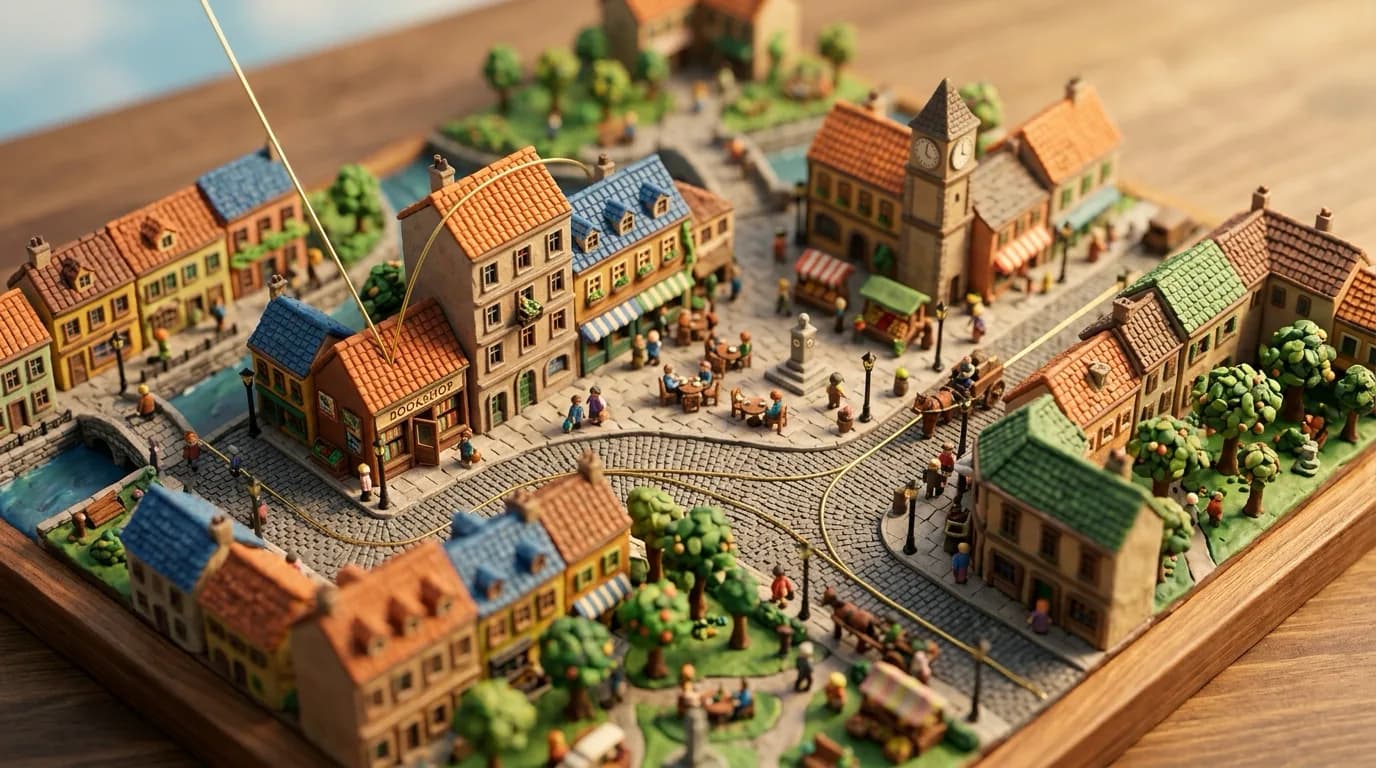
How to Build a Scroll-Film Website from Scratch
A site that changes as you scroll is the first thing visitors react to — and the first thing that usually breaks. The failure is rarely “not fancy enough.” It is a page whose scroll and whose picture tell different stories: the camera moves in while the copy says “we rise,” a seam pops between clips, and on a phone the video is a blank rectangle.
This is a from-scratch build guide. It does not stop at the idea. It covers how to choose an engine, how tall to make the page, how to turn a scroll position into time, and why seams split. After this, you should be able to start from an empty HTML file and ship a scroll-bound page.
There are also two agent skills that automate the work in different ways. Scroll-Film Studio designs a new page per brand and opens two lanes: a code-only film (Lane A) and a generated-footage film (Lane B). scroll-world generates stills and camera clips, then drops them into a framework-agnostic scrub engine. They look similar. The engines are not. That difference is the point of this piece.
Pick first: what is bound to the scroll
“Scroll animation” is not one technique. What you bind to the scroll decides the product. In production there are three real paths.

- Parallax — split one scene into layers and move the near ones farther. Cheap depth. No journey. One scene breathing.
- GSAP + Lenis + ScrollTrigger — the scroll is a timeline playhead. You pin the viewport, open masks, run horizontally, lift type. No video bill. This is Scroll-Film Studio Lane A.
- A pre-rendered camera — real footage, bound to scroll one frame at a time. The camera has already been shot; the page only plays time. Studio Lane B and scroll-world both live here. They do not share an engine.
You can mix them. The page still needs one lead. If a camera is already flying a city while a parallax mountain slides behind it, the visitor does not know where to look. Choose a lead. Everything else is support.
Shared skeleton: a tall page and a sticky stage
Every engine uses the same bones. Make the page very tall. Stick a stage to the viewport with position: sticky; top: 0; height: 100vh. The visitor scrolls. The rectangle in front of them does not. Only what is inside that rectangle changes.

Progress p is one formula. film is the tall driver — about 1.5–1.8 viewport heights per chapter, roughly 850vh for five.
const r = film.getBoundingClientRect();
const p = Math.max(0, Math.min(1, -r.top / (r.height - innerHeight)));
p = 0 is the first frame, p = 1 the last. Where you send p is the engine: a GSAP timeline’s progress, a canvas frame index, or a video’s currentTime.
A direct map feels mechanical. Let the playhead lag. About 0.09 for a code film, about 0.14 for frame scrubbing.
current += (target - current) * 0.14;That line is what “scroll becomes a camera” actually means. Scroll sets a target time. The picture chases it.
Parallax first: the cheapest depth
Parallax is the illusion that near things move faster. On the web you stack far / mid / near and multiply scroll by a different factor on each layer.

<section class="hero">
  <div class="layer far" data-speed="0.15"></div>
  <div class="layer mid" data-speed="0.4"></div>
  <div class="layer near" data-speed="0.8"></div>
  <h1 class="layer copy" data-speed="0.25">Brand</h1>
</section>
const layers = [...document.querySelectorAll("[data-speed]")];
addEventListener("scroll", () => {
const y = scrollY;
for (const el of layers) {
const s = Number(el.dataset.speed);
el.style.transform = `translate3d(0, ${y * -s}px, 0)`;
}
}, { passive: true });Four rules.
- Animate only
transformandopacity. Writingtopormarginon scroll forces layout. - Keep factors between 0 and 1. Above 1, the picture outruns the finger.
- Space the speeds evenly. 0.1 / 0.8 / 0.85 looks like a bug, not depth.
- Under
prefers-reduced-motion: reduce, zero the factors or flatten to one still.
Parallax is for heroes and transitions. It bores as a whole journey, because the camera never goes anywhere. Only the backdrop slides.
What Lenis does, what GSAP does
People name them as one thing. They are not.
Lenis smooths the scroll itself — how far a wheel tick pushes the page, and how late that push arrives.
const lenis = new Lenis({ lerp: 0.09, smoothWheel: true });
function raf(time) {
  lenis.raf(time);
  requestAnimationFrame(raf);
}
requestAnimationFrame(raf);
Smaller lerp is heavier. 0.09 is the weight you see on expensive sites. 0.2 is almost native. On touch, prefer the browser’s own scroll; Lenis is built with that assumption.
GSAP is the animation engine. ScrollTrigger is the plugin that binds it to scroll. Wire them so Lenis notifies ScrollTrigger, and GSAP’s ticker drives Lenis.
const lenis = new Lenis({ lerp: 0.09, smoothWheel: true });
lenis.on("scroll", ScrollTrigger.update);
gsap.ticker.add((t) => lenis.raf(t * 1000));
gsap.ticker.lagSmoothing(0);
Those four lines are Lane A’s heart. Scroll is now a timeline playhead.
Pinned scenes — pin + scrub
const tl = gsap.timeline({
  scrollTrigger: {
    trigger: "#scene-hive",
    start: "top top",
    end: "+=140%",
    pin: true,
    scrub: true,
    anticipatePin: 1,
  },
});

tl.from(".wordmark span", { yPercent: 120, stagger: 0.04, ease: "power4.out" })
  .to(".mask", { clipPath: "inset(0% 0% 0% 0%)", ease: "none" }, 0.15)
  .to(".orb", { rotate: 28, scale: 1.12, ease: "none" }, 0);
end: "+=140%" means “play this scene across 1.4 viewports.” Larger numbers unfold the same move more slowly. scrub: true is 1:1 with the finger; scrub: 1.2 lags by 1.2 seconds. For a film feel, use true or a small number.
A horizontal run
const track = document.querySelector(".h-track");
gsap.to(track, {
  x: () => -(track.scrollWidth - innerWidth),
  ease: "none",
  scrollTrigger: {
    trigger: ".h-wrap",
    start: "top top",
    end: () => "+=" + (track.scrollWidth - innerWidth),
    pin: true,
    scrub: true,
    invalidateOnRefresh: true,
  },
});
Give children their own parallax with containerAnimation pointed at that tween. Always set invalidateOnRefresh: true — the distance changes when the window does.
The rest of the vocabulary
- Char-split hero — split the wordmark into spans, stagger
yPercent: 120 → 0. - Clip-path reveals —
inset(0 0 100% 0)toinset(0)for editorial rows. - Velocity skew — clamp
ScrollTrigger.getVelocity()onto a marquee’sskewX. - Counters —
once: trueandsnap: { textContent: 1 }.
Creation order is a trap
ScrollTrigger refreshes in creation order. A pin injects a spacer. If you create ambient triggers first, they measure a world that does not yet contain that spacer, and they fire thousands of pixels early. Create every pinned scene first. Then the backgrounds, parallax, and marquees.
Performance is short: GPU properties only, will-change on the few moving nodes, no getBoundingClientRect spam inside tickers.
Where the two skills split
Up to here, the foundation is shared. The skills then disagree about footage.
Scroll-Film Studio / Lane B extracts JPEGs and draws them on a <canvas>. It will not scrub <video currentTime> — seek latency stutters. The playhead is a frame index. Decode happens off-thread with createImageBitmap.
scroll-world scrubs <video> itself. Each scene is fetched as a Blob so it is seekable, and a rAF loop eases currentTime toward a target. Dive clips and connector clips interleave. That fly-into-an-island feeling comes from this structure.
Choose in one line. Want one continuous shot? Studio’s canvas path. Want a world you hop between? scroll-world’s video path. The first is won on frame count. The second is won on pixel-identical seams.
Path 1 — a code film (Studio Lane A)
No account, no credits. One HTML file, GSAP, ScrollTrigger, Lenis. CDN to start; vendor the files before you ship.
<script src="https://cdn.jsdelivr.net/npm/gsap@3/dist/gsap.min.js"></script>
<script src="https://cdn.jsdelivr.net/npm/gsap@3/dist/ScrollTrigger.min.js"></script>
<script src="https://cdn.jsdelivr.net/npm/lenis@1/dist/lenis.min.js"></script>
Do not copy a previous brand’s page. The journey is the design. A safe order:
- Write the vibe and the journey as sentences. “The camera only ever goes further in.”
- Lock hexes, a display + body pairing, and a real logo SVG. System-font scroll sites all look the same.
- Cut about five chapters. Each chapter is one pinned scene or one horizontal run.
- Build pinned ScrollTriggers first, then parallax and marquees.
- Only after the film do ordinary sections appear. Do not put another film under the film.
A skeleton you can open as-is. Change the colour and the copy; the first scene already runs.
<!doctype html>
<html lang="en">
<head>
  <meta charset="utf-8" />
  <meta name="viewport" content="width=device-width, initial-scale=1" />
  <title>Brand</title>
  <style>
    html, body { margin: 0; background: #0b0d10; color: #eef1f4; }
    #scene { height: 100vh; display: grid; place-items: center; overflow: hidden; }
    .orb { width: 42vmin; height: 42vmin; border-radius: 50%;
           background: radial-gradient(circle at 30% 30%, #d7c4a3, #3a2a1c); }
    .word { font: 600 12vw/1 Georgia, serif; letter-spacing: -.04em; }
    section { min-height: 100vh; padding: 18vh 8vw; }
  </style>
</head>
<body>
  <div id="scene">
    <div class="orb"></div>
    <h1 class="word">Brand</h1>
  </div>
  <section>
    <p>The film ends here. From this point, write only about the product.</p>
  </section>
  <script src="https://cdn.jsdelivr.net/npm/gsap@3/dist/gsap.min.js"></script>
  <script src="https://cdn.jsdelivr.net/npm/gsap@3/dist/ScrollTrigger.min.js"></script>
  <script src="https://cdn.jsdelivr.net/npm/lenis@1/dist/lenis.min.js"></script>
  <script>
    const lenis = new Lenis({ lerp: 0.09, smoothWheel: true });
    lenis.on("scroll", ScrollTrigger.update);
    gsap.ticker.add((t) => lenis.raf(t * 1000));
    gsap.ticker.lagSmoothing(0);

    gsap.timeline({
      scrollTrigger: {
        trigger: "#scene",
        start: "top top",
        end: "+=160%",
        pin: true,
        scrub: true,
      },
    })
    .from(".word", { y: 80, opacity: 0, ease: "none" })
    .to(".orb", { scale: 3.2, rotate: 18, ease: "none" }, 0);
  </script>
</body>
</html>
When you add scenes, add a direction, not a list of moves. If the first scene goes in, the next one goes further in, closer, or brighter. If you can reorder two chapters and the page still reads, it is a stack, not a shot.
Path 2 — one film on a canvas (Studio Lane B)
Footage comes first. The page is a projector. The default shape is 5 clips × 5 seconds = 25 seconds — about 600 frames at 24fps. Longer means more clips, not a 9-second clip. If one clip changes place, light and direction at once, the model jump-cuts instead of travelling.
One clip = one camera direction, one location, one lighting state. If any of those three changes, split the clip. Name the film’s vector in a sentence before you write a prompt.
Write the move, not the postcard. Not “a shot of the hive entrance” — “continuing the same forward push, now passing the hive wall.” Do not put an inward word (into, deeper, down) and an outward word (away, back, up) in the same clip. The camera will reverse itself.
Seams must be the same pixels
The most common failure is feeding the next clip a pretty pre-drawn keyframe. The next start frame is the previous clip’s real last frame. Not the ideal drawing. The rendered pixels.
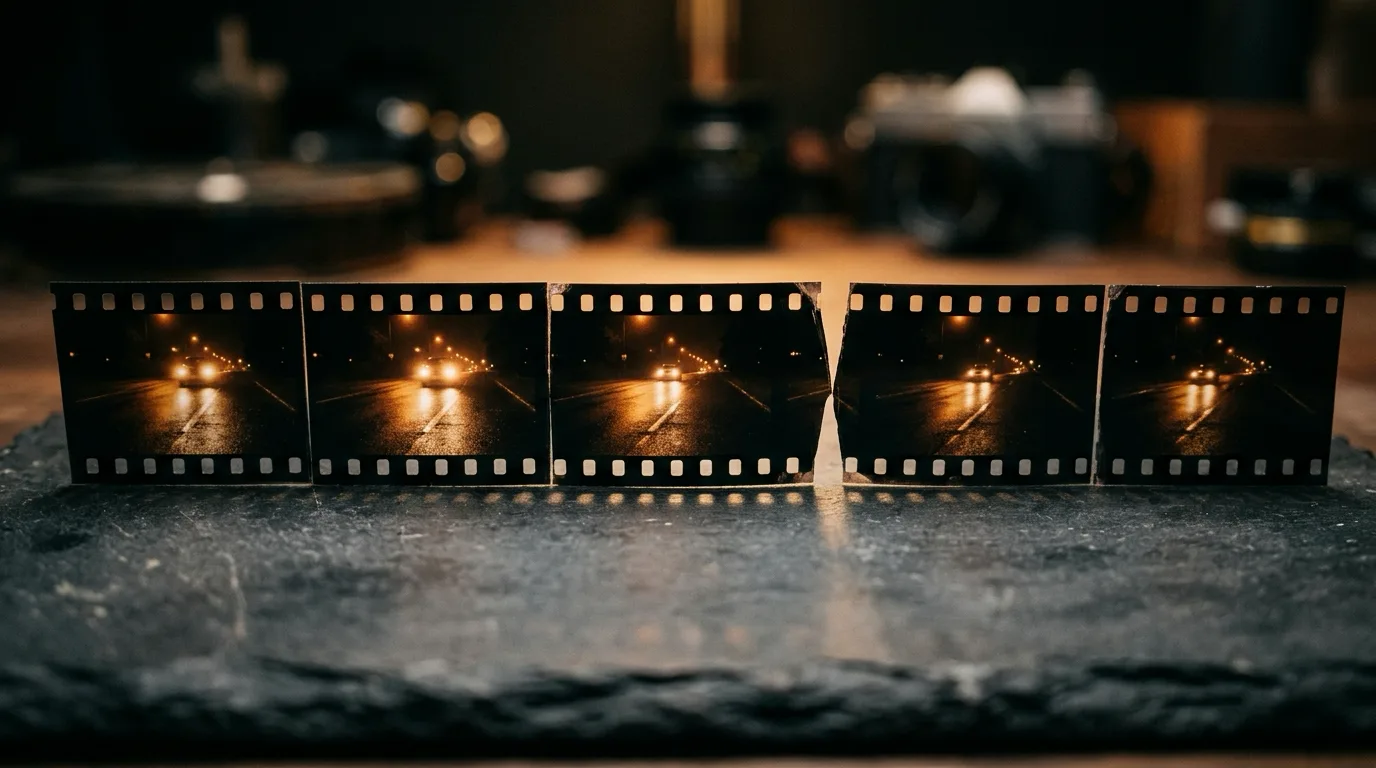
Do not trust your eye alone. Measure SSIM and re-roll under 0.80. Pull the end frame slightly early — artefacts collect on the last frame. 0.05s early when both ends are pinned, 0.15s when the end is open.
A passing seam can still hide a jump in the middle of a clip. The seam gate only sees the ends. After concat, sample every 8 frames. If a local change exceeds ~45%, or the picture freezes, re-roll that clip.
Extract the frames
Extract at the film’s native frame rate. Halving 600 frames to 300 turns the scroll into a slideshow. Save bytes on width, not on time. 1024px at JPEG quality 6 beats 1280px at higher quality, because motion is more visible than sharpness.
ffmpeg -v error -y -i master.mp4 \
  -vf "fps=24,scale=1024:-2" -q:v 6 frames/f_%04d.jpg
Generated films often open on a still that has not started moving. Inspect the first 1–2 seconds frame by frame and cut until the first frame is already inside the move. Then update FRAME_COUNT. A stale count blanks the canvas at the end of the scroll.
Sample the bottom 12% of the last frame and use that colour as the first section’s background so the handoff does not flash.
The canvas scrub engine
Do not use <video currentTime>. Draw JPEGs. The anti-jank core is an ImageBitmap sliding window. drawImage(HTMLImageElement) decodes JPEG on the main thread at first paint and again after cache eviction. Those spikes are the “frame-by-frame glitchy” feel.
const FRAME_COUNT = 600;          // the trimmed count
const LERP = 0.14;
const B_AHEAD = 48;               // ~2 seconds at 24fps
const B_KEEP = 32;

const images = new Array(FRAME_COUNT);
const bitmaps = new Map();
const decoding = new Set();
let current = 0;
let target = 0;
let bmpCenter = -999;

function frameUrl(i) {
  return `frames/f_${String(i + 1).padStart(4, "0")}.jpg`;
}

let nextToLoad = 0, inFlight = 0;
function pump() {
  while (inFlight < 10 && nextToLoad < FRAME_COUNT) {
    const i = nextToLoad++;
    inFlight++;
    const img = new Image();
    img.onload = () => { images[i] = img; inFlight--; pump(); };
    img.onerror = () => { inFlight--; pump(); };
    img.src = frameUrl(i);
  }
}
pump();

function ensureBitmaps(center) {
  if (Math.abs(center - bmpCenter) < 3) return;
  bmpCenter = center;
  const lo = Math.max(0, center - B_AHEAD);
  const hi = Math.min(FRAME_COUNT - 1, center + B_AHEAD);
  for (let i = lo; i <= hi; i++) {
    if (bitmaps.has(i) || decoding.has(i) || !images[i]) continue;
    decoding.add(i);
    createImageBitmap(images[i]).then((b) => {
      decoding.delete(i);
      if (Math.abs(i - bmpCenter) > B_KEEP) { b.close(); return; }
      bitmaps.set(i, b);
    }).catch(() => decoding.delete(i));
  }
  for (const k of [...bitmaps.keys()]) {
    if (k < center - B_KEEP || k > center + B_KEEP) {
      bitmaps.get(k).close();
      bitmaps.delete(k);
    }
  }
}

function nearest(i) {
  if (bitmaps.has(i)) return bitmaps.get(i);
  if (images[i]) return images[i];
  for (let d = 1; d < 24; d++) {
    if (bitmaps.has(i - d)) return bitmaps.get(i - d);
    if (bitmaps.has(i + d)) return bitmaps.get(i + d);
    if (images[i - d]) return images[i - d];
    if (images[i + d]) return images[i + d];
  }
  return null;
}

const canvas = document.querySelector("#frame");
const ctx = canvas.getContext("2d", { alpha: false });
const film = document.querySelector("#film");

function fit(src) {
  const MAX_CROP = 0.22;
  const cw = canvas.width, ch = canvas.height;
  const sCover = Math.max(cw / src.width, ch / src.height);
  const crop = 1 - Math.min(cw / (src.width * sCover), ch / (src.height * sCover));
  const s = crop > MAX_CROP ? Math.min(cw / src.width, ch / src.height) : sCover;
  const w = src.width * s, h = src.height * s;
  ctx.drawImage(src, (cw - w) / 2, (ch - h) / 2, w, h);
}

function resize() {
  const dpr = Math.min(devicePixelRatio || 1, 1.5);
  canvas.width = innerWidth * dpr;
  canvas.height = innerHeight * dpr;
  canvas.style.width = innerWidth + "px";
  canvas.style.height = innerHeight + "px";
}
addEventListener("resize", resize);
resize();

function tick() {
  const r = film.getBoundingClientRect();
  target = Math.max(0, Math.min(1, -r.top / (r.height - innerHeight))) * (FRAME_COUNT - 1);
  current += (target - current) * LERP;
  const i = Math.round(current);
  ensureBitmaps(i);
  const src = nearest(i);
  if (src) fit(src);
  requestAnimationFrame(tick);
}
requestAnimationFrame(tick);
<div id="film" style="height:850vh">
<div id="stage" style="position:sticky;top:0;height:100vh">
<canvas id="frame"></canvas>
</div>
</div>
<section style="background:#1a0f08">...</section>On a phone, cover throws away both sides of a 16:9 film. If the crop exceeds ~22%, letterbox. A 1.5× centre crop makes a clean scrub look jittery.
Size the decode window in seconds, not frames. Two seconds ahead at 24fps is 48 frames. An 18-frame window tuned for 300 frames falls off a 1,700-frame film on the first flick.
Path 3 — fly into a world (scroll-world)
scroll-world is not one long film. It is N stills, N dive-in clips, and N−1 connectors. The camera enters a shop, lifts out over the roof, and hops to the next island. That grammar belongs to miniature / isometric worlds. On a real corridor it reads as rewind.
The engine is one vanilla file. Give it a container; it builds its own DOM and CSS. Next or a static page — same call.
mountScrollWorld(document.getElementById("world"), {
  brand: { name: "Pearl & Co.", href: "#top" },
  diveScroll: 1.3,
  connScroll: 0.9,
  hint: "scroll",
  sections: [
    {
      id: "farms",
      label: "Farms",
      still: "stills/01.webp",
      clip: "clips/dive-01.mp4",
      accent: "#8FB98A",
      eyebrow: "Origin",
      title: "The farms",
      body: "Leaves before the cup.",
      tags: ["harvest", "leaf"],
    },
  ],
  connectors: ["clips/conn-01.mp4", "clips/conn-02.mp4"],
});
Internally it splits scroll into dive / connector segments, builds a local progress, and eases each video’s currentTime. Neighbours crossfade at the boundary. Copy peaks in the middle of a scene.
s.cur += (s.target - s.cur) * 0.18;
const t = clamp(s.cur, 0, 0.999) * s.video.duration;
if (Math.abs(s.video.currentTime - t) > 0.008) {
  s.video.currentTime = t;
}
The anti-jank devices are not optional.
- Fetch each clip as a Blob so seeking does not depend on HTTP ranges.
- Never queue a seek while the decoder is still seeking. Fast flicks otherwise freeze the picture.
- On phones, use a coarser seek step (0.02s) and a 720p file with
-g 4. Seek cost is distance from the last keyframe, not resolution. - On iOS, prime with muted play→pause on first touch, or the first seek is a blank frame.
- Keep the still poster up until a real frame has painted.
- Ignore height-only resizes from the collapsing URL bar. Relaying out the track yanks scroll.
Camera grammar is the world, not a preference. Miniatures can dive and lift. Photoreal space wants a one-way walkthrough. Locked isometric never rotates; the world slides. Do not mix the three on one page.
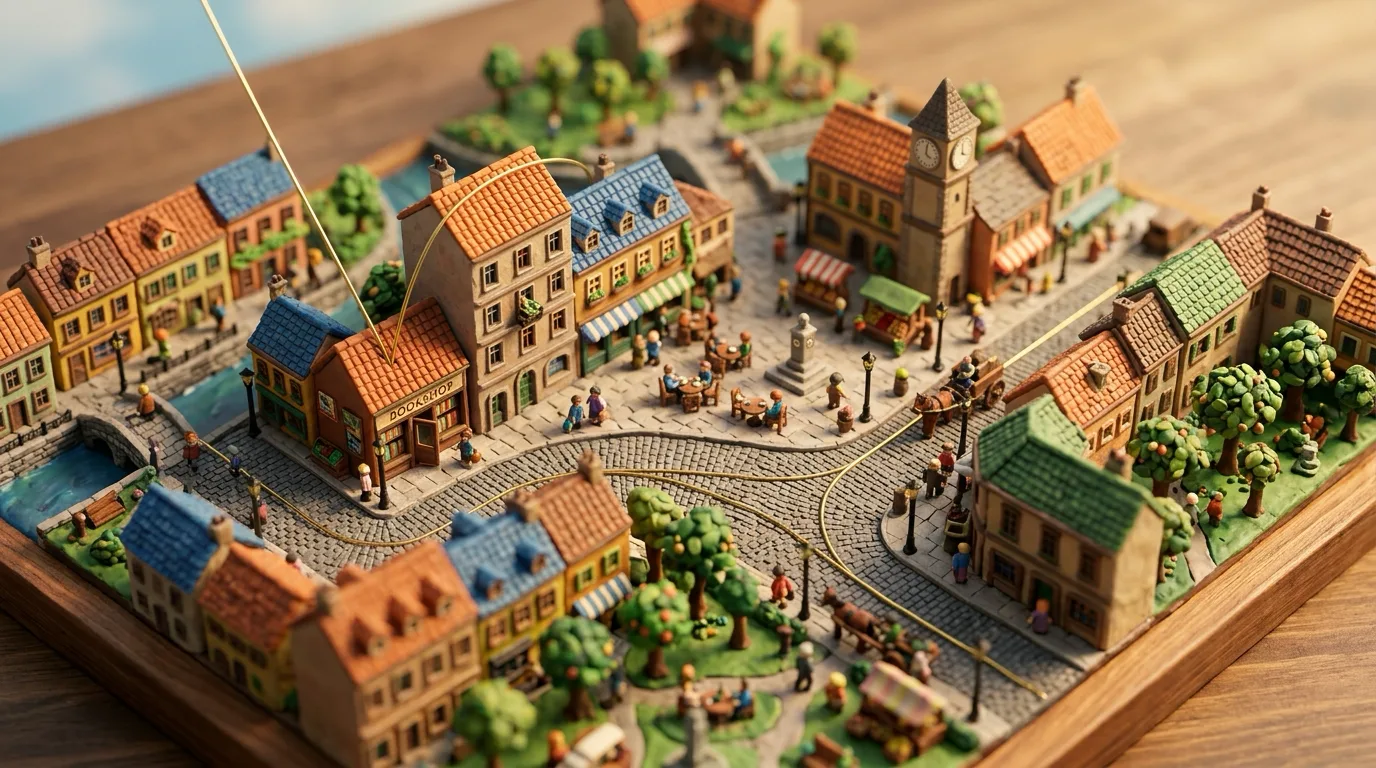
The seam rules still hold if you assemble the chain by hand. The next start is the previous clip’s real last frame. One clip is one direction, place, and light. Prompts describe a move, not a postcard. Break those and a green score still jump-cuts.
If the page narrates itself, it failed
The most common way a technically perfect page fails is the copy. “As you scroll the frame narrows,” “one continuous descent,” “how to read this page” — that is the brief, read aloud. Someone who cannot see the film should still be reading an ad for the product.
The check is simple. Turn the picture off and read. Only the brand should remain. If the body still says scroll, frame, camera, seam, you are still in the brief. (This article is a tutorial. Your landing page is not.)
Mobile, reduced motion, performance
Do not centre-crop the desktop film for phones. Compose a native 9:16 chain, or label the crop as a stopgap. Phone hardening in the engine — seek coalescing, iOS priming, safe-area — is not “a mobile version.” It is the page not breaking.
Under prefers-reduced-motion: reduce, stop scrubbing and crossfade stills. Turn Lenis’s smooth wheel off. Jump GSAP timelines to their end state. The more the motion is the content, the more this branch matters.
Do not judge performance by average fps. A 60 average hides an 80ms decode spike. Watch rAF p95 and max. Above 50ms max, people feel the hitch. Cap devicePixelRatio at 1.5; 2.0 only doubles blit cost.
The smallest sequence you can run today
- Write the journey in one sentence. A direction must be visible.
- No credits? Lane A. Paste the skeleton, one pinned scene, one body section.
- If you have footage, audit clip prompts first. Conflicting direction words never get generated.
- Render clips in sequence. The next start is the previous clip’s real last frame.
- Seam SSIM 0.80, trim the head, extract at native fps, update
FRAME_COUNT. - Wire the canvas scrubber or the scroll-world engine. Delete machine language from the copy.
- Scroll once with reduced motion and once on a phone. No blank frames, no pops.
A scroll site is not a library demo. It is the visitor’s finger becoming a camera. Pick an engine, then keep that engine’s rules all the way down. Those rules are this article.
More posts

"Pacing the Frontier": Why Sam Altman and Dario Amodei Agreed to Slow Down AI
The global technology landscape is experiencing a paradigm shift that few saw coming just months ago. Led by Anthropic CEO Dario Amodei and OpenAI CEO Sam Altma…

Six Things That Must Stay in Your Name When Someone Else Builds Your Website
Nobody thinks about it while the site is running fine. It surfaces the day you part ways with whoever built it. Domain, DNS, deployment, source code, analytics, licences — here is how to check, in five minutes, that all six are in your name.

The Order of Building a Website with AI: Design, Images, Video, Code
Ask AI for “a good website” and a screen appears, but not a finished one. Finish the design first, generate the material you do not have, hand the finished screen to code over Figma MCP, and specify motion as conditions — a production sequence, step by step.