
Gemini Tasks goes free, but not every feature reaches Korea
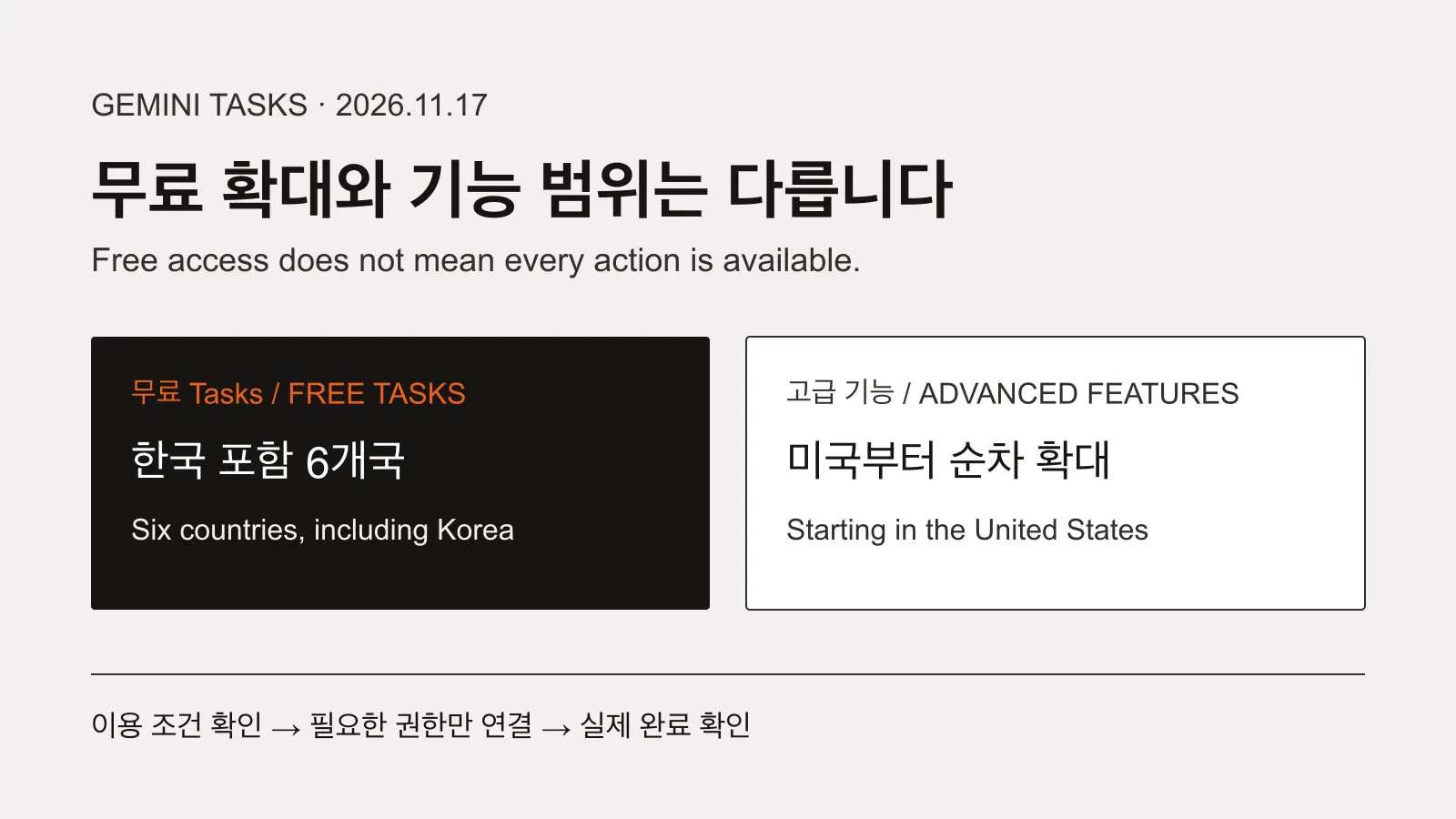
Asking AI to find a product is different from letting it place an order. On November 17, Google announced a free Gemini Tasks expansion to six countries, including Korea. Free access does not mean every action shown in the announcement is available in Korea.
Korea is included in the free expansion
The official list covers the United States, Japan, Korea, Canada, Australia, and India. Google describes a rollout, not an announcement that everyone received the same interface at once. It separately says advanced features are starting in the US. A demonstration of calling a business or making a payment is therefore not confirmation that the same action is available in Korea.
Free does not establish a usage allowance
The announcement does not give a numerical free usage allowance. It does not establish unlimited tasks or identical features for every account. First check whether Task appears in your Gemini interface and whether the connections needed for your intended action are actually available.
Give one small task a clear boundary
Google's instructions are to switch the Gemini home-screen toggle from Chat to Task and describe the job. Because you are delegating work rather than only requesting an answer, specify both the result you want and actions to avoid. The following is an example of setting boundaries, not a report of a hands-on test.
- For a household purchase, for example, state the budget and requirements, and ask only for a comparison of options.
- Make adding items to a cart or purchasing a separate step that requires your confirmation.
- Ask the result to distinguish the product price, delivery cost, and any details that still need checking.
Rather than connecting email, calendar, and payments together at the start, check only the capabilities needed for the job. If you have not confirmed that a particular action is available in Korea, start with an output you can review, such as a comparison or summary, instead of assuming a demonstration from another country applies to you.
Distinguish confirmation from standing permission
Google says Gemini is designed to pause at critical steps and request confirmation or pre-approval before buying. You can also add instructions while a task runs. Checking each time is different from allowing work within a scope you approved earlier.
Familiar chores still need permission boundaries
The announcement also describes an Always allow option for routine actions. Read what you are allowing on an ongoing basis before enabling it. Google says you can change task settings, disconnect apps, or delete chat history. Do not treat disconnection or history deletion as the same thing as reversing a purchase or change that already happened.
For security, Google describes an account-dedicated, isolated virtual environment and defenses that filter malicious instructions in web content. In plain language, it provides a separate workspace and protective layers. That is Google's description of its design, not a guarantee against mistaken decisions or failed tasks.
Match completion messages to actual results
Google acknowledges that tasks can fail to finish or miss the intended result. On some websites, Gemini may do most of the work and then hand the screen back for you to press the final button. Progress, an approval request, and actual completion are different states.
For a calendar task, check the date and attendees. Where purchasing is supported, check for the merchant's order confirmation. If the outcome is unclear, inspect what changed in the relevant service before assigning the same job again. The useful starting point for this free expansion is not how many chores to delegate, but a clear boundary around what your account supports and what you will verify.
- #AI
- #Gemini
- #Gemini Tasks
- #Privacy
- #Everyday work
More posts
ChatGPT Merges Chat and Work Limits, Who Hits Caps Sooner
OpenAI is unifying Chat, Work, and Codex onto one token allowance in December. See what stays off the meter, plan reset windows, and credit pitfalls.
Claude Artifacts as Desktop Apps Still Need Online Sign-In
Claude's Nov 24 Install as app beta turns artifacts into Mac and Windows apps. See online sign-in rules, three permission tiers, update prompts, and limits.
GPT-6.2 Reaches ChatGPT Chat, With Key Plan and Picker Limits
GPT-6.2 is rolling out to paid ChatGPT Chat tabs. Learn who gets access, why selecting it hides 6 Pro, and the trade-offs noted in OpenAI's system card.