
7 Principles That Matter More Than Speed When Building and Deploying a Website with AI
AI has lowered the barrier to starting a website. It can propose a first draft for a brand page, repeatable components, responsive styles, and even test code. But shipping the first thing an AI produces is fast precisely because it leaves risk unchecked. A strong website is not a one-shot output. It is the result of repeating clear planning, verifiable implementation, and safe release practices.
AI is a teammate that increases production speed; it is not the person accountable for quality or release.
1. Write a one-page brief before designing a screen
“Make a stylish website” may produce an attractive page, but it rarely produces a conversion path. Start by writing down who will visit, what they should understand or do, and how success will be judged. A one-page brief covering the audience, core message, required sections, conversion action, and excluded features immediately improves the quality of an AI prompt.
It also helps to break requirements into small, functional units and include desired inputs, outputs, or reference examples. GitHub recommends decomposing complex work, being specific about requirements, and supplying examples when working with AI coding assistance. [1]
2. Separate architecture from implementation
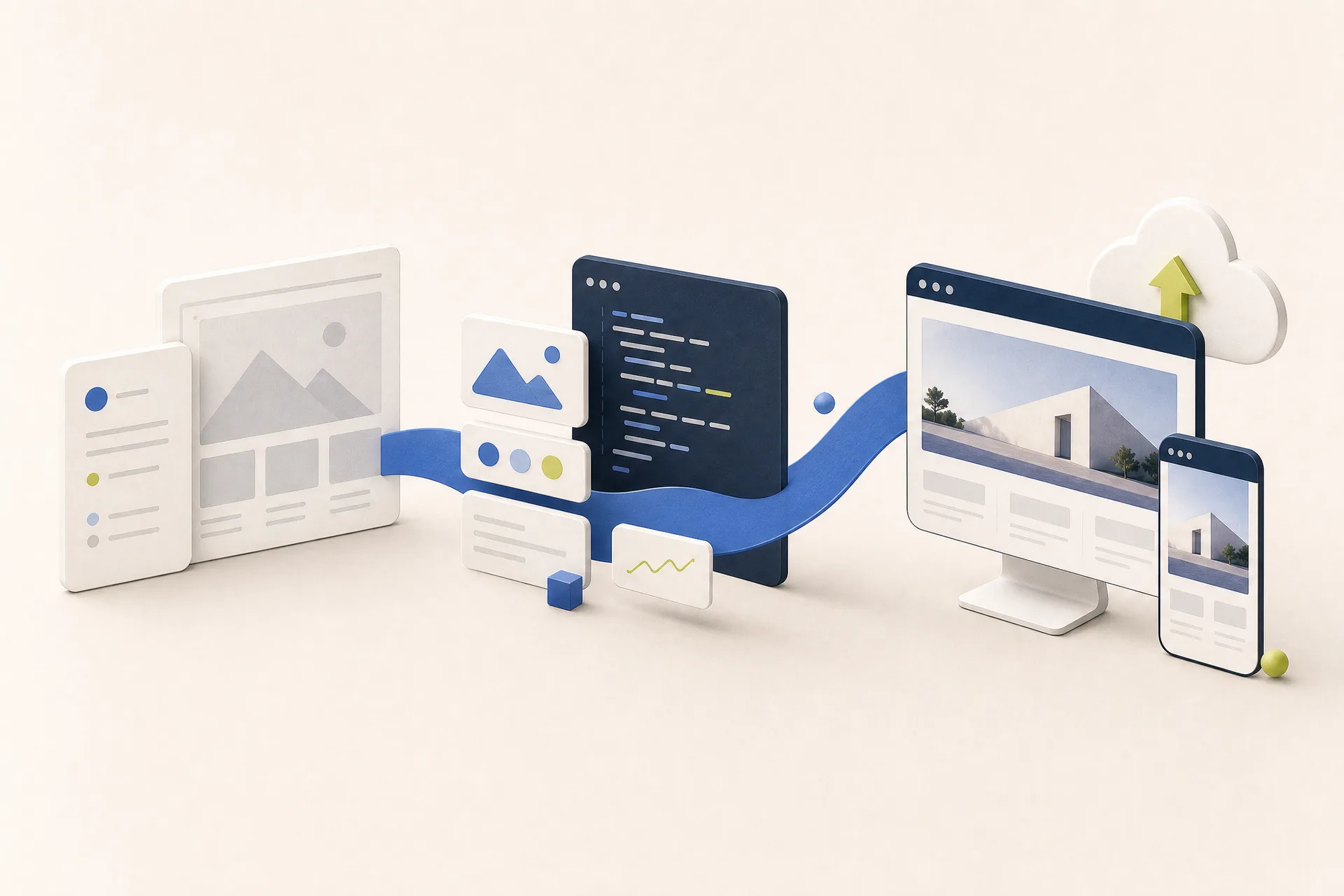
Ask AI for the information architecture and component list first, then move into section-level implementation. In an initial pass, define the purpose and priority of the hero, services, case studies, testimonials, and contact areas. In the next pass, create the copy, semantic HTML structure, and mobile layout for each section. Refine color and animation only after the structure is sound.
A recommended production flow
- Planning: Clarify the audience, conversion goal, brand tone, and essential content, then check whether the core message is understood within five seconds.
- Structure: Set the page sections and their priority, and ensure the scroll flow leads naturally to the conversion action.
- Implementation: Share the technology stack, reusable components, and responsive rules, then check usability on mobile, by keyboard, and with assistive technology.
- Validation: Use test scenarios, error conditions, and performance goals to check the product from a real visitor’s perspective.
3. Treat the prompt like a creative and technical brief
Include the goal, intended visitor, source content, layout priority, technical constraints, and completion criteria. It is more reliable to state a testable condition—such as “on mobile, the first viewport must show both the service value and the contact button”—than to specify colors or simply ask for a “modern” feeling.
“Design a single-page site for a B2B brand strategy studio. Visitors are marketing leaders. Place a one-sentence value proposition and consultation button in the hero, then arrange services, process, case studies, and contact. Use Next.js and TypeScript; support responsive layouts from 375px to 1440px. Include keyboard navigation, meaningful landmarks, and alt text for images.”
4. Read and test every line AI suggests
AI-generated code is a draft, not an approval. Understand it before adopting it, then review function, security, and maintainability. GitHub similarly advises developers to understand and carefully review suggestions, and to use automated tests and tooling such as linting and code scanning as an additional layer of accuracy and security. [1]
At minimum, check that forms process input safely, environment variables and API keys are absent from the browser bundle, links and 404 states work, and the layout holds up on an actual mobile device. Asking AI to “list ten failure scenarios for this change and write the corresponding tests” is a useful way to widen the review scope.
5. Use preview deployments as a review space
When code is pushed to a connected Git repository, deployment platforms can create a review URL for each change. Vercel, for example, creates a unique URL for every successful deployment and distinguishes local, preview, and production environments. [2] This lets designers, strategists, and clients review a live result without touching the production domain.
In preview, inspect desktop and mobile layouts, contact form delivery, external links, page metadata and social images, and localized content. Feedback is most useful when it describes the viewport, condition, and expected outcome—for example, “At 390px, keep the first button label on one line”—rather than saying that the page simply feels off.
6. Deployment is a launch checklist, not a button
Before production, make sure there is a path back and a plan for operation. Vercel’s production checklist highlights rollback strategy, security headers and Content Security Policy, access control, log retention, caching, image optimization, and performance signals. [3]
Secret management matters especially in fast AI-assisted work. Keep API keys and database credentials out of code and prompts, and use environment variables instead. If a secret ever reaches a public repository, deleting the line is not always enough; rotate the credential immediately and review its exposure.
7. Observe the inquiry path after launch
Deployment is the start of learning, not the end. During the first week, check how visitors arrive, where they leave, and whether inquiries actually reach the team. Instead of collecting dozens of metrics on day one, begin with a small set linked to business outcomes: a consultation-button click, a completed form submission, and engagement with the key page.
AI remains useful after launch. It can summarize feedback and search terms, organize hypotheses for the next experiment, and draft before-and-after checklists. When working with customer data or non-public analytics, however, review your organization’s security policy and the tool’s data-handling terms before sharing anything.
Build for speed you can verify
AI produces drafts quickly and reduces repetitive work. Brand context, message priority, visitor trust, and pre-release validation remain human responsibilities. Document the goal, instruct in small units, review with tests and a preview environment, and deploy in a reversible way. With that operating rhythm, AI becomes more than a code generator: it becomes a production partner that strengthens a team’s ability to execute.
References
[1] GitHub Docs, Best practices for using GitHub Copilot
[2] Vercel Docs, Deploying to Vercel
[3] Vercel Docs, Production checklist for launch
More posts

"Pacing the Frontier": Why Sam Altman and Dario Amodei Agreed to Slow Down AI
The global technology landscape is experiencing a paradigm shift that few saw coming just months ago. Led by Anthropic CEO Dario Amodei and OpenAI CEO Sam Altma…
Six Things That Must Stay in Your Name When Someone Else Builds Your Website
Nobody thinks about it while the site is running fine. It surfaces the day you part ways with whoever built it. Domain, DNS, deployment, source code, analytics, licences — here is how to check, in five minutes, that all six are in your name.

The Order of Building a Website with AI: Design, Images, Video, Code
Ask AI for “a good website” and a screen appears, but not a finished one. Finish the design first, generate the material you do not have, hand the finished screen to code over Figma MCP, and specify motion as conditions — a production sequence, step by step.